
HIPAA Compliant Scheduling Software for Multi-Location Clinics
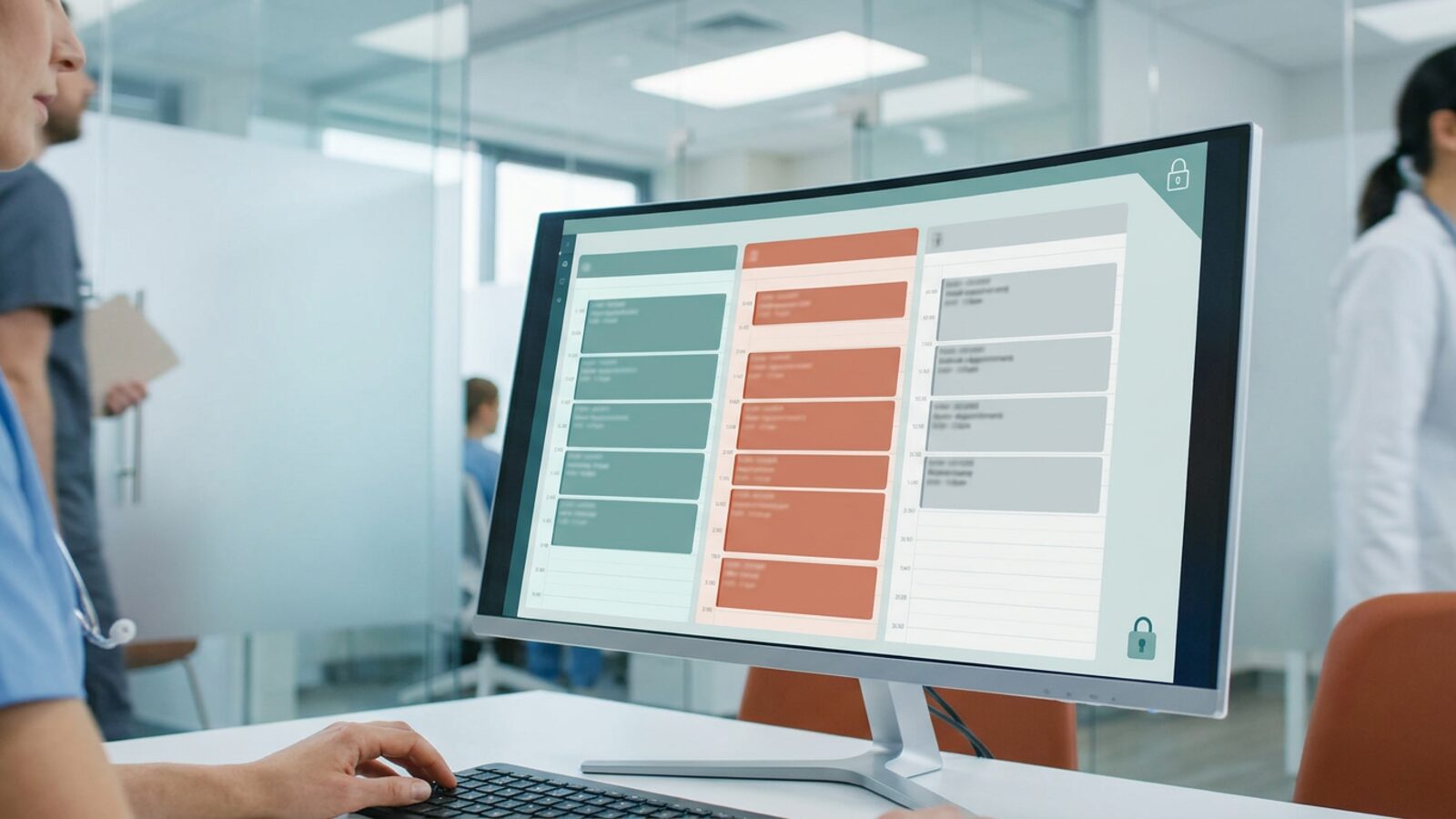
A patient types their name into your booking form and picks “diabetes consult” from a dropdown. That is Protected Health Information, before anyone opens a chart.
Run three clinics and the exposure multiplies. Every site needs shared availability, and no site should see another site’s patient list. AI-powered patient intake widens the surface again, because the assistant asking the qualifying questions holds PHI too.
Get it wrong and the record goes public. A breach touching 500 or more patients goes to HHS within 60 days of discovery and lands on the HHS breach notification portal, and IBM’s Cost of a Data Breach Report has ranked healthcare the costliest industry to breach for more than a decade running. Scheduling is where that exposure usually starts. Here are six platforms worth comparing for multi-location clinical operations.
| Provider | Best for | Multi-location | Signs a BAA | Starting price |
|---|---|---|---|---|
| Brixx Digital | Custom clinic portals and records systems | Yes | Yes | From $2,500 |
| Acuity Scheduling | Embedded booking portal widgets | Yes | Yes, top tier only | From $20/mo |
| SimplePractice | Solo and small group practices | Yes | Yes | From $49/mo |
| Jane App | Allied health clinics | Yes | Yes | From $79/mo |
| NexHealth | Dental and medical groups on legacy systems | Yes | Yes | Not published |
| IntakeQ | Long or specialized intake forms | Yes | Yes | From $59.90/mo |
Prices are vendor list rates as published in October 2026. Confirm the current tier that includes a Business Associate Agreement (BAA) before you budget.
Brixx Digital
Brixx Digital builds booking and scheduling systems for multi-location teams instead of renting you a seat in someone else’s tool. The work starts with a Blueprint that maps your intake, routing, and records rules. The build then matches those rules exactly.
Patient data stays inside a system you own. Automated cross-site patient routing sends each booking to the right provider, the right room, and the right location, using custom PHI routing logic written against your rules rather than a vendor template. You pay once for the build instead of per seat, per location, forever.
Best for: Growing clinical groups that need custom routing, AI-powered patient intake, and a patient portal they own.
Starting price: Foundation Build from $2,500. Blueprint from $1,500, credited toward the build.
Standout features: Custom patient portals, automated cross-site patient routing, healthcare workflow automation, and KPI dashboards for operations leaders.
Strengths
- The architecture matches your clinical workflow instead of the reverse.
- A signed BAA covers every touchpoint that holds PHI.
- A one-time build cost replaces per-seat fees that grow with every hire.
- Compliance and records systems plug into the same build: consent ledgers, access logs, audit trails.
Acuity Scheduling
Acuity Scheduling is a booking portal widget you drop onto a site you already have. Squarespace owns it. Patients see live availability and book themselves without calling the front desk.
Clinics run a separate calendar per location and per provider. HIPAA coverage sits on the top Premium tier, where Acuity signs a BAA. Below that tier, keep clinical detail out of the form.
Best for: Clinics that need a HIPAA-compliant booking portal widget on a website they want to keep.
Starting price: From $20 per month. HIPAA coverage requires the top Premium tier.
Standout features: Automatic time zone handling, custom intake fields, text and email reminders.
Strengths
- Front desk staff and patients both pick it up in a single session.
- It embeds into almost any content management system.
- Automated reminders cut down on missed appointments.
Limitations
- HIPAA coverage sits behind the most expensive subscription tier.
- No clinical charting, so it sits beside your EHR rather than replacing it.
- Automated cross-site patient routing is absent: locations are grouped calendars, so the logic stays manual.
SimplePractice
SimplePractice bundles scheduling, telehealth, billing, and clinical notes into one login. It is built for health and wellness practices, so the secure client portal, paperless intake, and BAA come standard.
Staff collect demographics and consents before the visit. Providers chart in the same app they schedule in.
Best for: Solo practitioners and small groups that want scheduling and billing together.
Starting price: From $49 per month on the starter tier.
Standout features: Built-in telehealth video, insurance claim filing, paperless intake packets.
Strengths
- One application covers scheduling, billing, and charting.
- The mobile app keeps providers on top of the calendar away from the desk.
- The patient portal handles direct messaging and document sharing securely.
Limitations
- Cost climbs fast with each added clinician and location.
- Admin permissions lack the granularity large multi-site groups expect.
- Support leans on email rather than live phone help.
Jane App
Jane App runs clinics in physical therapy, chiropractic, and massage therapy. The color-coded calendar shows multiple practitioners and treatment rooms in a single view. Jane signs a BAA and its charting templates go deep.
Practitioners edit those templates to match how they actually document. The shared-resource logic is the real draw for busy clinics.
Best for: Allied health clinics juggling shared rooms and equipment.
Starting price: From $79 per month for the base clinical plan.
Standout features: Deep charting templates, shared room booking logic, inventory tracking.
Strengths
- Books shared resources like treatment rooms and specialized equipment properly.
- The charting interface holds up well on tablets.
- A large community template library speeds up setup.
Limitations
- Heavy for a practice that only needs a booking page.
- Reporting struggles to aggregate across separate legal entities.
- Configuring individual practitioner preferences takes real time up front.
NexHealth
NexHealth sits on top of the practice management system you already run. Its EHR scheduling integration syncs both directions with major dental and medical systems in real time.
Online bookings land in the native record with no retyping. NexHealth signs a BAA and secures the transfers in between.
Best for: Dental and medical groups tied to a legacy practice management system.
Starting price: Not published. NexHealth quotes per practice.
Standout features: Two-way record sync, automated patient recall, consolidated digital forms.
Strengths
- Kills double entry by writing bookings straight into existing software.
- Automated recall fills the gaps cancellations leave behind.
- One dashboard runs patient communication across every location.
Limitations
- It costs more than standalone scheduling tools.
- What it does depends on what your existing system exposes.
- Smaller practices pay for a feature set they never touch.
IntakeQ
IntakeQ started as a secure forms tool and grew into a full practice management suite. Forms remain its strength: branching logic, consent signatures, and insurance capture, all under a BAA.
Booking a specific appointment type triggers the matching form packet automatically. The answers land in the record before the patient walks in.
Best for: Clinics that need long or highly specialized intake questionnaires.
Starting price: From $59.90 per month for the Practice Management plan (low-volume tier); Forms Only, without scheduling, starts at $29.90 per month.
Standout features: Conditional logic forms, secure patient messaging, treatment note templates.
Strengths
- The form builder handles branching logic and mandatory e-signatures well.
- Intake packets fire the moment a patient books a slot.
- Secure messaging keeps patient conversations out of regular email.
Limitations
- The calendar is plainer than dedicated scheduling apps.
- Providers across time zones need manual workarounds.
- Reporting tracks form completion more than clinic throughput.
Where Multi-Location Clinic Scheduling Breaks Down
Two sites are a spreadsheet problem. Five sites are a clinical workflow automation challenge. Front desks double-book specialists, treatment rooms sit empty, and patients get three different answers about the same appointment.
What Counts as PHI in a Booking
HIPAA does not start at the chart. A patient name paired with an appointment type at your clinic is Protected Health Information under the HHS Privacy Rule. That booking record earns the same protection as an imaging study.
So unencrypted web forms and consumer calendar apps are out for anything that names a service.
Sharing Availability Without Sharing Charts
Your front desk needs to know the orthopedist has a Thursday slot at the north clinic. It does not need that clinic’s patient histories.
The Security Rule requires access control, so each user reaches only what their role requires (45 CFR 164.312(a)). Compliant scheduling software enforces that per site and per role, which shuts down the internal exposure most clinics never audit.
When the Schedule and the Chart Disagree
EHR scheduling integration is where most multi-site rollouts stall. The booking tool holds one version of Thursday, the practice management system holds another, and the front desk retypes appointments into both. Every re-entry is a chance to attach the wrong patient to the wrong slot, and double entry is how one person ends up with two records at two sites.
Ask each vendor whether the sync writes in both directions in real time or only reads availability on a timer. Read-only integrations move the typing, they do not remove it.
Filling Cancellations Without Exposing a Patient List
Automated waitlist management returns more revenue than any other piece of healthcare workflow automation in a clinic, and it is the easiest to get wrong. A 4pm cancellation at the west site should pull the next suitable patient forward on its own. It should not broadcast that patient’s name and appointment type to schedulers at the other four locations.
The minimum necessary standard (45 CFR 164.502(b)) draws the line: the alert tells a scheduler that a slot opened, not who filled it.
What Per-Seat Pricing Costs at Five Sites
Subscription pricing stays quiet until you grow. Take the $79 per month clinical tier above, add a fee for every provider, then repeat it across five locations. The line item rises with every hire, renews every year, and never converts into an asset you own.
A one-time build inverts that curve. The cost lands up front, and headcount stops moving it. For a group planning two more sites, that difference decides the platform more often than any feature does.
Audit Logs and the Business Associate Agreement
The HIPAA Security Rule requires audit controls that record who viewed, created, or changed a record (45 CFR 164.312(b)). Ask every vendor to show you that log during the demo.
Then get the BAA in writing. Any vendor that touches PHI signs one, and it puts them on the hook for protecting it. HHS has proposed a Security Rule overhaul that would add explicit multifactor authentication and encryption requirements, but that proposal is not final. Build to the rule in force today and the update costs you nothing later.
Pressure-Test Four Things Before You Sign
Start with the bottleneck, not the feature list. If your EHR already owns the schedule, buy a booking layer that syncs into it. If three disconnected calendars are running your clinics, you need a system of record instead.
Then put every shortlisted vendor through the same four checks: automated cross-site patient routing, role-based permissions, the audit log, and the signed BAA. Ask each one what the invoice looks like at twice your current headcount. Off-the-shelf tools price per seat, so growth is the part that hurts.
Ready to own the scheduling layer instead of renting it? See how Brixx Digital builds compliance and records systems with custom PHI routing logic, intake that runs itself, and one calendar your operations team can trust across every location. Start with a Blueprint and the build matches your clinical workflow, not a vendor’s template.
This article is general information, not legal advice. Confirm your obligations with your own compliance counsel.
For practices that run several locations on one calendar, we build booking, intake and reminders as one system on BAA-covered hosting. See how we work with clinics and what a branded patient and client portal can include.
Frequently Asked Questions (FAQs)
Does appointment scheduling fall under HIPAA?
Yes. Once a patient gives their name, contact details, and the reason for the visit, that record is Protected Health Information. The software holding it falls under HIPAA, and the vendor behind it signs a BAA. That includes a booking widget embedded on your own website.
What makes scheduling software HIPAA compliant?
Four things: encryption in transit and at rest, role-based access controls, audit logs covering every view and edit, and a signed BAA from the vendor. Miss one and the stack is not compliant.
How does EHR integration work with multi-location scheduling software?
Through an API that reads from and writes to your practice management system. Strong integrations sync both directions in real time, so an online booking lands in the native record and a front-desk change appears online within seconds. Ask which systems are supported by name, whether writes are included or the connection is read-only, and who pays to build and maintain it.
Can AI scheduling and automated patient intake be HIPAA compliant?
Yes, on two conditions. The AI intake tool sits under a signed BAA like any other business associate, and the answers it collects stay inside systems with encryption, access control, and audit logging. An assistant that drafts your intake questions carries little risk. One that stores patient responses, or passes them to a general-purpose model with no BAA behind it, is a breach waiting for a date.
Can I use Google Calendar for patient appointments?
Not the free version. Paid Google Workspace customers sign a Business Associate Amendment with Google, then configure the covered services and admin settings correctly. A personal Gmail calendar has no BAA behind it.