
HIPAA Compliant Texting for Clinics: 6 Options and the Rules
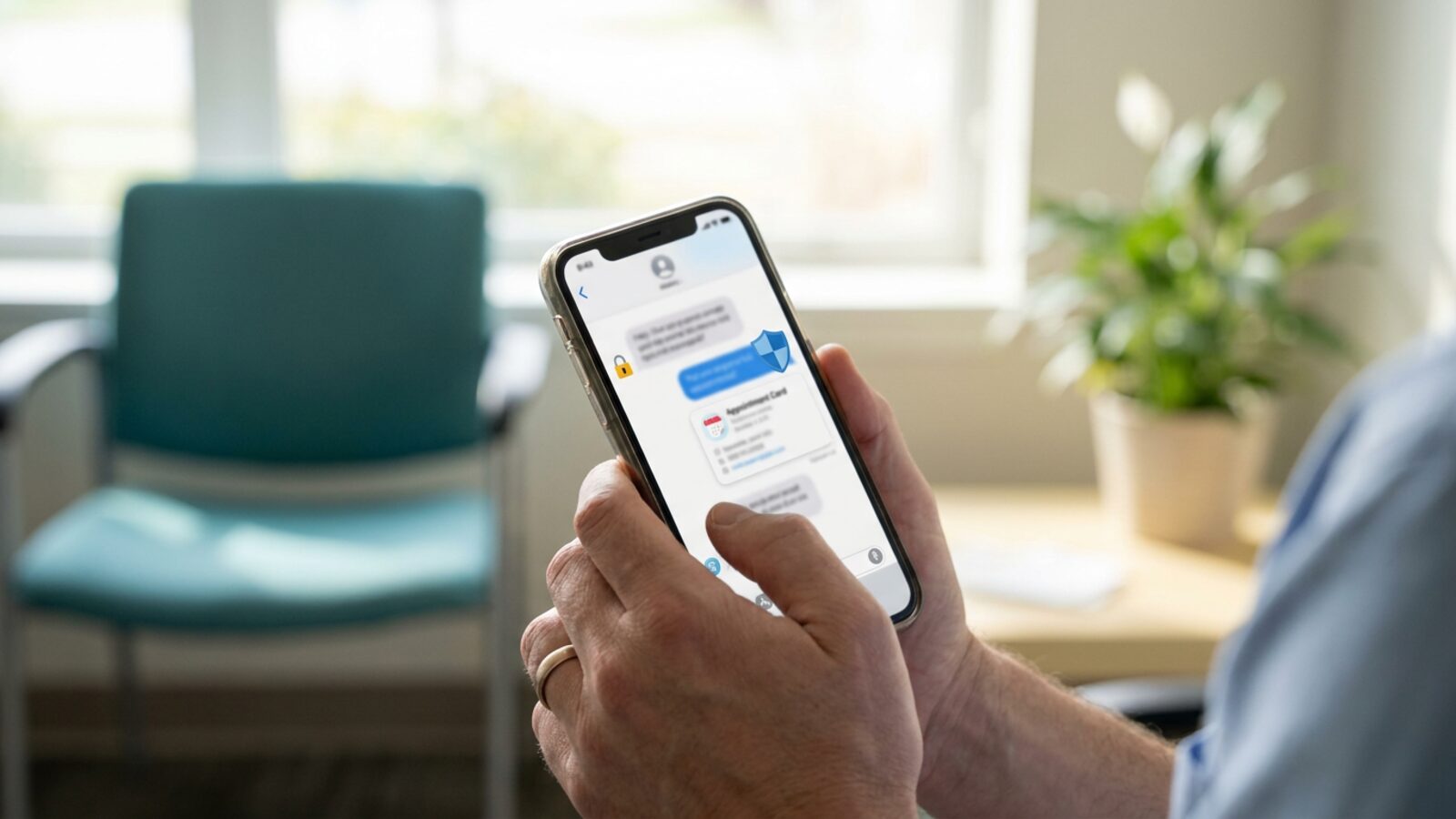
Text messaging is the fastest way to reach a patient. A Cochrane systematic review of text message reminders found they raised attendance at healthcare appointments by roughly 14 percent over no reminder at all, on moderate quality evidence.
Clinics still cannot text patients from a personal phone or a standard business line. The Telephone Consumer Protection Act sets statutory damages at $500 per violation, and courts treble that to $1,500 when the violation is willful or knowing.
So the tool matters. Here are six options, followed by the rules that govern what you are allowed to send.
| Provider | Best for | Two-way texting | Signs a BAA | Starting price |
|---|---|---|---|---|
| Brixx Digital | AI-driven scheduling and custom automated patient workflows | Yes | Yes | From $2,500 |
| Spruce Health | Small to mid-sized practices | Yes | Yes | $24 per user/mo |
| OhMD | SMS-first patient comms | Yes | Yes | Not published |
| Klara | Mid-sized specialty clinics | Yes | Yes | Not published |
| Weave | Dental and vision practices | Yes | Yes | Not published |
| TigerConnect | Hospitals and large systems | Yes | Yes | Not published |
Why Standard Messaging Fails Medical Practices
A compliant communication system takes more than a new phone line. Consumer texting apps break patient privacy rules in six specific ways.
- Unsecured transmission: Native SMS and unencrypted consumer messaging apps carry no safeguards for electronic protected health information (ePHI) at rest or in transit. An intercepted message carrying a diagnosis or treatment plan becomes a reportable breach.
- Lock screen exposure: Carriers push message previews straight to the lock screen. Anyone holding the patient’s phone reads the detail without a passcode.
- No audit trail: Consumer apps do not log who sent what, when it was read, or whether it was edited. Auditors ask for those logs.
- No signed BAA: Carriers and consumer chat apps refuse to sign a Business Associate Agreement (BAA). Without one, your practice carries the full legal risk for anything that leaks.
- Manual triage of inbound replies: Patients answer reminders with clinical questions, reschedule requests, and one-word replies that match no template. Somebody at the front desk reads and routes every one of them by hand, which quietly consumes hours each week, and anything that lands on a staff member’s personal cell never reaches the record at all.
- No cross-location visibility: A group running three or four sites cannot see who replied to whom. Consent captured at one location does not surface at the next, so staff re-ask for permission, double-text the same patient, or message someone who already revoked consent.
1. Brixx Digital
Off-the-shelf software forces your workflow to match the tool. Brixx Digital works the other way around. We build the reminder system on top of BAA-covered SMS infrastructure, then wire it into the scheduling tools you already run.
Every engagement opens with a Blueprint that maps each step of your patient data flow. From there we build the compliance and records system: one inbox for patient threads, a consent ledger that stays consistent across locations, and audit logs your compliance officer pulls on demand.
Your front desk stops sending confirmations by hand. Intake, appointment confirmations, and follow-up sequences run on their own, and an AI copilot drafts answers to routine inbound replies for a staff member to approve before anything sends.
Best for: Clinics that want AI-driven patient engagement and reminder workflows built around their own schedule rather than a vendor template.
Starting price: Blueprints from $1,500, credited toward your build. Foundation Builds from $2,500.
Standout features: Blueprint-first architecture, async delivery, dedicated client portals, consent tracking, and integration with BAA-covered SMS gateways.
2. Spruce Health
Spruce Health puts calls, secure messages, SMS, and video visits in one inbox built for healthcare teams. Staff work from desktop or mobile. Clinics configure phone trees and shared inboxes so more than one person answers.
Best for: Small to mid-sized practices leaving a traditional landline.
Starting price: $24 per user, per month.
Standout features: Unified inbox for omnichannel healthcare communication, internal team chat, custom phone trees, telehealth video.
Advantages:
- Replaces a separate phone system.
- Strong mobile app for staff working off-site.
- Clear line between secure in-app messaging and plain SMS.
Disadvantages:
- Per-user pricing adds up fast with a large front desk.
- Advanced automation needs a third-party tool.
- Reporting stays basic next to enterprise platforms.
3. OhMD
OhMD skips the app download. Your clinic texts a secure link, the patient verifies identity, and the conversation happens in the phone browser. OhMD also pushes chat transcripts into several major Electronic Health Record (EHR) systems.
Best for: Clinics whose patients will not install another app.
Starting price: Not published.
Standout features: Direct EHR integrations, browser-based secure chat, broadcast messaging, digital forms.
Advantages:
- No app install for patients.
- Transcripts sync to supported EHR platforms.
- Broadcast handles office closures and vaccine clinics in one send.
Disadvantages:
- Pricing requires a sales call.
- Deep EHR integration sits in the premium tier.
- The admin dashboard gets cluttered at high message volume.
4. Klara
Klara covers the full patient journey, from digital intake through post-visit follow-up. ModMed acquired Klara’s maker in 2022, and the product is now marketed as ModMed Patient Engagement, powered by Klara, still signing its own BAA as a business associate. Automated workflows text forms, insurance verification requests, and pre-visit instructions based on appointment type. Front desk, billing, and clinicians coordinate inside one thread before anyone replies.
Best for: Mid-sized specialty clinics with complex intake.
Starting price: Not published.
Standout features: Automated digital intake forms, insurance card capture, appointment-based message triggers.
Advantages:
- Cuts manual data entry at the front desk.
- Strong pre-visit and post-visit message sequences.
- Clean thread assignment across departments.
Disadvantages:
- Implementation runs long because the workflows go deep.
- Pricing targets larger specialty groups.
- A poorly configured sequence buries patients in messages.
5. Weave
Weave bundles hardware and software into one practice platform. It serves general medical clinics, and dental and optometry practices are its core market. When a patient calls, Weave shows the profile, next appointment, and outstanding balance on screen. Two-way texting, review requests, and payment processing are built in.
Best for: Dental and vision practices that want phones, texting, and payments from one vendor.
Starting price: Not published.
Standout features: Smart caller ID, text-to-pay, review management, VoIP phone system.
Advantages:
- One vendor for phones, texting, and payments.
- Text-to-pay speeds up collection on open balances.
- Smart caller ID gives staff context before they pick up.
Disadvantages:
- You move your whole phone system to Weave.
- Several features sit behind higher subscription tiers.
- Hardware makes setup heavier than cloud-only software.
6. TigerConnect
TigerConnect is an enterprise clinical collaboration platform for hospitals and large health systems. Patient messaging exists, but the core strength is secure communication between doctors, nurses, and allied staff. It handles on-call scheduling, role-based routing, and hospital alert integrations, so critical lab results reach the right physician fast.
Best for: Hospitals and large health systems with complex clinical workflows.
Starting price: Not published.
Standout features: Role-based messaging, on-call schedule integration, critical alert routing, secure file sharing.
Advantages:
- Built for mission-critical hospital uptime.
- Role-based routing reaches whoever is on shift.
- Deep retention and audit controls for compliance teams.
Disadvantages:
- Too complex and too expensive for an independent outpatient clinic.
- Patient messaging sits behind internal clinical communication.
- Enterprise rollouts run long.
The Rules for Medical SMS and Reminders
Picking a secure vendor is step one. You still control what goes into the message and how often it goes out. This is not legal advice. Run your communication policy past your compliance officer.
The Minimum Necessary Standard
Plain SMS is unencrypted, so HIPAA’s minimum necessary requirement governs what you send. A compliant reminder carries the clinic name, the date and time, and one short instruction. It never names a condition, a test result, or a specialty treatment.
Patient Consent
Get permission before the first automated text. The consent language must state plainly that standard text messaging is not secure. Most clinics capture this during digital intake, then store it in one consent ledger every location can read. Texting a number pulled from an old chart with no consent on file breaks privacy rules and telemarketing rules at the same time.
TCPA Healthcare Exemption Limits
The Telephone Consumer Protection Act (TCPA) restricts automated dialing and texting. The FCC carved out an exemption for messages tied to treatment, commonly described as the TCPA safe harbor for healthcare messages: appointment confirmations, lab result notifications, prescription refill reminders.
The exemption stops there. Billing and collection notices, marketing, and promotions for elective procedures all require separate prior express written consent.
The FCC Opt-Out Rules
The FCC revocation rules took effect 11 April 2025. Patients revoke consent by any reasonable means, so by default you cannot require a keyword like “STOP.” If a patient texts “cancel my texts” or “do not text me,” that counts as revocation.
You then have 10 business days to process the request. A related provision, which would have extended a single revocation across every message type from the same sender, was delayed repeatedly and was due to take effect 31 January 2027. At its 30 September 2026 meeting the FCC voted on a narrower rule instead (reported as adopted, effective 30 days after Federal Register publication): a patient who opts out of one category of informational text, such as appointment reminders, can be treated as opting out of only that category, while an opt-out from a marketing text still covers all future marketing texts from your practice. The same order lets a sender designate one exclusive channel for revocation requests. It takes effect 30 days after publication in the Federal Register, so confirm the current status before you rely on it.
Which of These Six Belongs in Your Clinic
Match the tool to the size of the operation. Hospitals need role-based routing. A single-provider office needs one shared inbox and little else. A group adding locations needs omnichannel healthcare communication where consent and message history are visible from every site, not trapped in one front desk.
The math changes when your scheduling sequences are specific to your practice. Forcing an off-the-shelf product to imitate your routine adds front desk work instead of removing it. Map the patient journey first and mark every point where a human sends a message by hand. That list tells you whether you are buying a HIPAA texting app for doctors or building a system around how your clinic actually runs.
Secure messaging is one piece of running clinic operations well. When you are ready to hand off manual texting for good, talk to Brixx Digital about your Blueprint.
If you want reminders and two-way texts to run from your own scheduling system rather than a separate app, we build that on BAA-covered messaging for clinics, as part of our automation work.
Frequently Asked Questions (FAQs)
Can we use standard mobile carriers to text patients?
Not for clinical detail. Carriers will not sign a Business Associate Agreement, and plain SMS travels unencrypted. HHS does allow short appointment reminders by text when the patient has been told the channel is not secure and agrees to it anyway.
What exactly is a Business Associate Agreement?
It is a contract between your practice and a vendor that touches protected health information. The vendor commits to HIPAA safeguards and takes on legal responsibility for a breach inside its system.
What are the penalties for HIPAA non-compliant texting?
The HHS Office for Civil Rights sets civil money penalties in four tiers, running from a practice that genuinely did not know about the violation up to willful neglect left uncorrected. Each tier has a per-violation minimum and an annual cap for repeated violations of the same requirement, and both figures are adjusted for inflation every year, so check the current HHS enforcement figures rather than an older published number. Most resolutions also carry a corrective action plan with ongoing monitoring.
How fast must a clinic process a text opt-out request?
Ten business days from the request, under the FCC revocation rules in force since 11 April 2025. Patients do not have to use a specific keyword to revoke consent.
What can a compliant appointment reminder actually say?
Clinic name, date, time, location, and a short instruction such as bringing an insurance card. Leave out the reason for the visit, results of any kind, and any provider specialty that reveals a condition.