
Plumbing Estimating Software: What Shops Actually Need
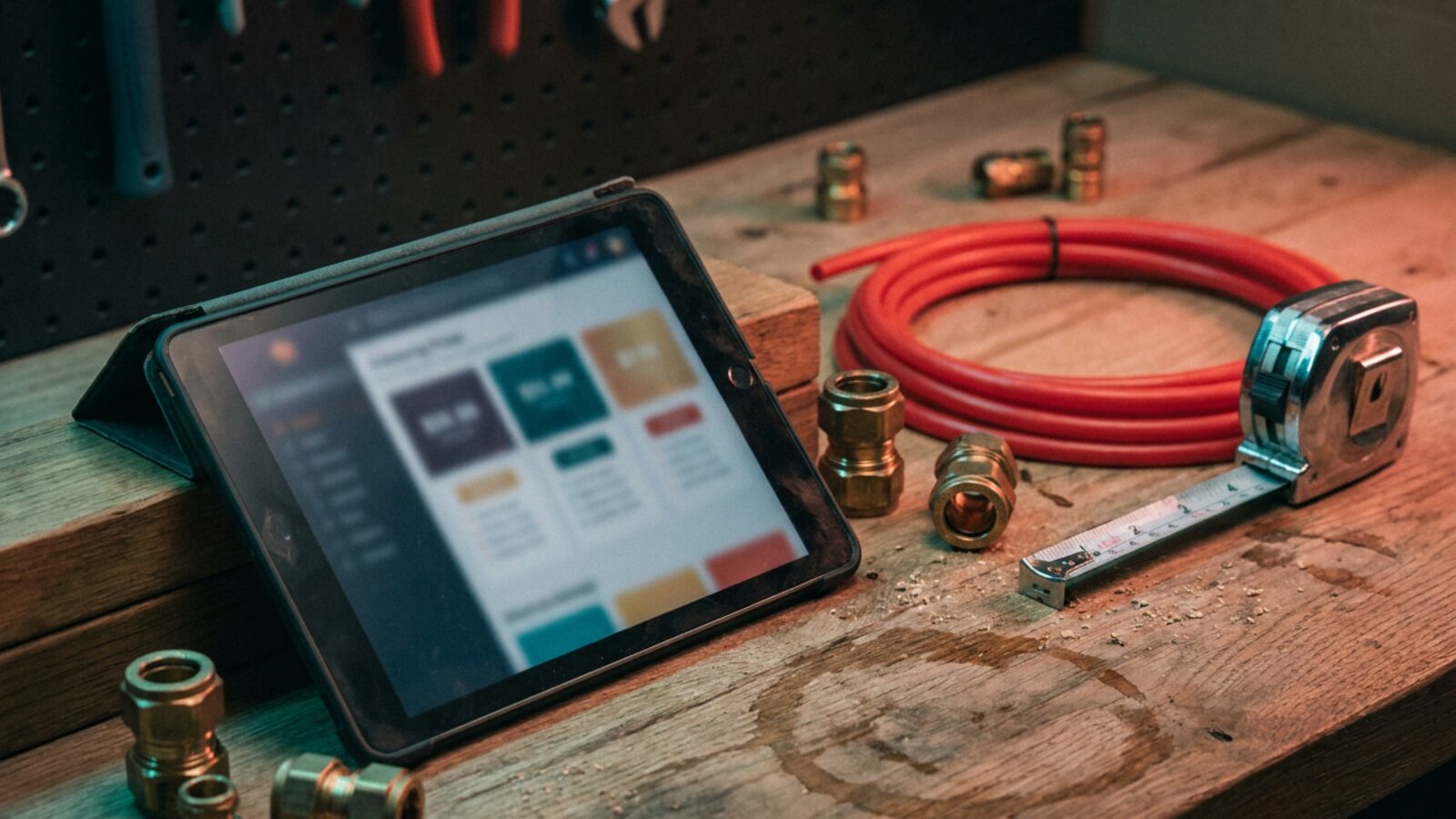
Quick answer: Plumbing estimating software turns material costs, labor time, and markups into a priced quote a technician presents on site. It stores your flat-rate pricebook, builds tiered options, captures a signature, and pushes the approved job into scheduling and invoicing. The payoff is consistent pricing across every truck.
Plumbing shops leak margin every month through guessed labor hours and forgotten fittings. A notepad and a calculator cannot keep up with supply prices that move week to week. IBISWorld estimates US plumbing industry revenue at $208.1 billion in 2026, and winning a share of that takes fast, consistent pricing at the kitchen table.
Manual math cuts both ways. You underbid the complex repipe, then overprice the simple service call. The Bureau of Labor Statistics projects employment for plumbers, pipefitters, and steamfitters to grow faster than the average for all occupations. The shops that quote fastest and most accurately take that work.
The answer is not a faster calculator. It is a pricebook something maintains for you, automated takeoff on the jobs that arrive with a plan set, and job costing that shows which repair codes are priced wrong before the year closes.
Key Takeaways
- Flat-rate pricing needs a pricebook inside the software, not a binder in the truck.
- Takeoff and estimating are two separate jobs: one measures the pipe, the other prices it.
- Tiered options move the conversation from price to scope and keep the tech out of a negotiation.
- Commercial work runs on job costing and time tracking. Residential service runs on flat rate.
- Cloud tools let a tech build, present, and email a proposal before leaving the driveway.
- One integration ends the double entry between your quoting tool and your accounting system.
| Tool | Best for | Flat-rate pricebook | Starting price | Watch-outs |
|---|---|---|---|---|
| ServiceTitan | Large multi-truck fleets | Yes, advanced | Not published | Long implementation, heavy training load |
| Housecall Pro | Growing residential shops | Yes | Check vendor pricing page | Job costing and integrations sit on higher tiers |
| Jobber | Small service businesses | Basic | $29 per month, Core plan, billed annually | Thin commercial project tracking |
| FieldEdge | QuickBooks-heavy offices | Yes | Not published | Dated admin screens, premium entry cost |
| QuoteIQ | Owner-operators | Native pricebook | Check vendor pricing page | Newer platform, short integration list |
Is ServiceTitan the Right Choice for Growing Operations?
ServiceTitan is built for large plumbing fleets that need deep dispatching, financial reporting, and pricebook control.
ServiceTitan sits at the top end of the field service market. Technicians build visual proposals with tiered choices and present them on a tablet.
Multi-location shops use it to coordinate dozens of trucks and hold one pricebook across every branch. The pricebook connects to third-party flat-rate catalogs, so price changes reach the field the same week.
- Best for: Multi-truck residential and commercial operations with a dedicated dispatcher.
- Starting price: Not published.
- Pros: Deep financial reporting, highly customizable pricebook, offline mobile access.
- Cons: Too expensive for small shops, long onboarding, real training time per tech.
Why Do Plumbers Use Housecall Pro for Quoting?
Housecall Pro gives residential plumbers a clean visual quote they build and present from a phone or tablet.
Housecall Pro leans residential. The built-in pricebook pulls parts and labor into a proposal in a few taps, and flat-rate pricing keeps the hourly breakdown off the customer’s screen.
Once the job closes, the platform chases the review and sets the maintenance reminder on its own. That matters most for shops living on repeat service work.
- Best for: Residential service shops doing maintenance and fast repairs.
- Starting price: Check the Housecall Pro pricing page. Tiers move often, so confirm before you budget.
- Pros: Strong mobile app, simple visual quoting, automated customer follow-up.
- Cons: Advanced job costing and some integrations require higher plans.
How Does Jobber Simplify Material Markups?
Jobber keeps quoting simple: line items, saved markups, and e-signature approval on one screen.
Plenty of small shops run their entire week out of Jobber. You duplicate a past quote, adjust two line items for a repeat customer, and collect a signature on the spot.
It skips the large flat-rate catalogs that heavier systems carry. In exchange, it applies your markup percentages fast and keeps material costs attached to the job record.
- Best for: Single-truck and small crews moving off paper invoices.
- Starting price: $29 per month for the Core plan, billed annually ($49 per month without an annual commitment), as printed on Jobber’s pricing page.
- Pros: Fast setup, clean interface, dependable scheduling basics.
- Cons: Detailed reporting sits on top-tier plans, thin commercial project tracking.
What Makes FieldEdge Work for Flat Rate Pricing?
FieldEdge is the pick when accounting accuracy matters more than interface polish.
FieldEdge has been in HVAC and plumbing offices for years. Its QuickBooks sync keeps estimates and invoices out of the double-entry pile, which gives office staff hours back each week.
It also connects to the major flat-rate pricebook providers. A jump in copper or PVC pricing reaches the field instead of eating your margin on the next twenty tickets.
- Best for: Established shops that need accounting to match the field, line for line.
- Starting price: Not published.
- Pros: Strong QuickBooks sync, service agreement tracking, full service history per asset.
- Cons: Dated administrative screens, premium entry cost.
Can QuoteIQ Handle Estimating Without the Extra Weight?
QuoteIQ covers fast estimating and light CRM for owner-operators who do not need a dispatch board.
QuoteIQ targets independent contractors who find legacy systems hard to learn. Templates and measurement tools price a water heater swap in minutes.
There is no dispatch board and no deep job costing. What you get is a professional estimate in the customer’s inbox before you pull out of the driveway.
- Best for: Owner-operators and single-truck businesses.
- Starting price: Check the QuoteIQ pricing page.
- Pros: Built for the trades, low entry cost, fast quoting workflow.
- Cons: No advanced job costing, short integration list against established competitors.
Why Are Accurate Plumbing Bids and Estimates So Difficult to Produce?
Bids are hard because labor time changes house to house, supply prices move weekly, measuring and pricing usually live in two different tools, and residential and commercial work need different pricing models.
Moving from Time and Materials to Flat Rate
Switching from hourly billing to flat rate is an operational change, not a software setting. Your techs are used to charging for exactly what the call consumed.
A flat-rate pricebook means pre-calculating average time and average materials for hundreds of tasks. Software holds that math and hands the tech a repair code for the failed garbage disposal.
The customer sees one price instead of an itemized list of fittings and hourly labor. Approvals come faster and arguments at the sink stop.
Managing Good-Better-Best Options
One take-it-or-leave-it price turns the visit into a negotiation. Three tiers hand the decision back to the customer and move the conversation to scope.
Building those options by hand at the kitchen table takes too long. Estimating software assembles them for you: the basic repair, the full replacement, and the high-efficiency upgrade, side by side on one screen.
Where Takeoff Software Stops and Estimating Software Starts
Takeoff software measures. It counts fixtures, valves, and linear feet of pipe off a plan set. Estimating software prices what the takeoff found. Residential service tools skip the measuring half entirely, because a service call arrives with no drawings.
Commercial plumbing is where that gap costs you. A shop running MEP estimating software for bid work and a field service app for service calls retypes quantities from one into the other, and then the takeoff, the bid management notes, and the approved estimate sit in three places with no single source of truth.
Ask any vendor two questions: which plan formats the takeoff accepts, and whether the priced estimate can leave the system through an open API. A no on the second question means you own the retyping for as long as you own the subscription.
Automated Job Costing and Real-Time Material Tracking
Margin disappears in the small stuff. The fittings nobody logged, the extra hour nobody billed, the second trip to the supply house.
Job costing compares what the work actually consumed against what you bid, ticket by ticket. Run that comparison monthly and the patterns surface: one repair code always runs long, one truck always forgets the same part.
A flat-rate pricebook is a snapshot, and snapshots go stale. Copper, PVC, and water heaters reprice while your catalog sits still, and every ticket quoted off the old number pays the difference out of your margin. Either your pricebook provider pushes updates on a schedule you trust, or someone on staff owns a standing monthly review.
Then you fix the pricebook instead of guessing. That is the difference between pricing from data and pricing from memory.
When None of These Fit: a Custom Build
Packaged tools price by the seat and expect you to work their way. At some point that math stops working.
Large plumbing operations outgrow standard field service apps. They need specific inventory controls, a portal for commercial property managers, supplier pricing pulled in on a schedule, or an integration no vendor will build.
Brixx Digital builds these systems; that is us. We extend or replace field service software with code you own: no per-seat fees, your exact field workflow, API access so quotes and inventory counts stop disagreeing, and an asset on the balance sheet instead of a subscription.
Price Three Real Jobs Before You Sign Anything
Shortlist two or three platforms that fit your mix, then push the same three jobs through each one: a water heater swap, a whole-house repipe, and a commercial service call against a purchase order.
Who you sell to sets the weighting. Residential and flat rate? The mobile app and the pricebook outrank every other feature. Commercial and project-based? Job costing, takeoff, and time tracking outrank kitchen-table polish.
Then count the retyping. If the office rekeys the quote into accounting or the parts list into inventory, you have found the true cost of that seat license before you commit to it.
Before you commit to another seat license, get a second read on the stack you already run. See our technology solutions for the plumbing industry, then bring us your current quoting workflow and we will tell you straight whether to extend it or replace it.
Frequently Asked Questions (FAQs)
What is the difference between plumbing takeoff software and estimating software?
Takeoff software measures quantities off a drawing set: fixtures, fittings, and feet of pipe. Estimating software attaches labor hours, material cost, and markup to those quantities and produces the priced bid. Commercial bid work needs both halves. Residential service only needs the pricing half.
How much does plumbing estimating software typically cost?
Published entry pricing starts at $29 per month for Jobber’s Core plan, billed annually. ServiceTitan and FieldEdge do not publish pricing and quote per seat after a demo, so budget implementation and per-tech training time on top of the license.
How do I estimate commercial versus residential plumbing jobs?
Residential service runs on flat rate because homeowners decide on the spot. Commercial work runs on time and materials because scope shifts, phases stack up, and the labor spans weeks.
Which plumbing software integrates with QuickBooks?
Most major field service platforms connect to QuickBooks in some form. FieldEdge and ServiceTitan carry the strongest reputations in the trades for syncing complex accounting setups without manual cleanup.
Do I have to replace my current software to fix quoting?
No. Most shops get what they need by adding custom reports, job costing, or integrations on top of the tool they already run. Replacement makes sense once per-seat fees and workarounds cost more than owned code.