
Subcontractor Compliance Software: COIs, Licenses, W-9s and 1099s
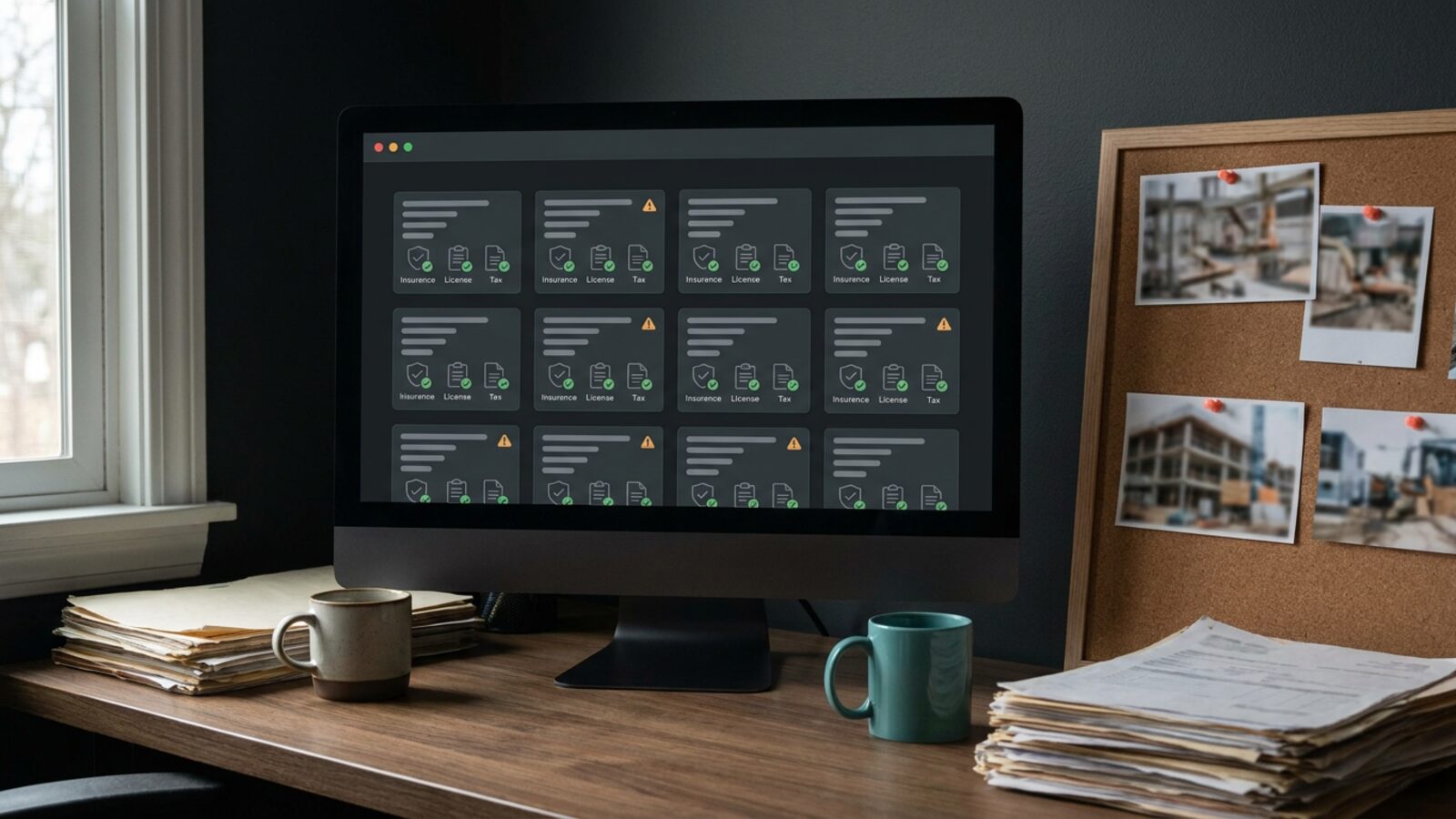
Put a subcontractor on your job site with stale paperwork and you inherit their liability. Subcontractor compliance software is the vendor risk management layer that stops it happening. Before the first day of work you need a Certificate of Insurance naming your company as additional insured, a current trade license, a W-9, lien waivers, and signed safety acknowledgments.
The tax rules just moved. The IRS reporting threshold for Form 1099-NEC and Form 1099-MISC rises from $600 to $2,000 for payments made in 2026, and the figure gets indexed for inflation starting in 2027. The separate 1099-K threshold for third-party network transactions stays at more than $20,000 and more than 200 transactions. That changes which vendors you file on. It changes nothing about needing a W-9 on file before you cut the check.
Manual vendor risk management breaks at scale. Five documents, forty active subs, and rolling renewal dates add up to a full-time job that spreadsheets lose. Compliance software turns that into a portal the vendor fills out, AI verification that reads each certificate for limits and expiry dates, and a rule that holds payment until both clear.
Before You Read On
- Collect five documents from every sub: a COI naming your company as additional insured, a trade license, a W-9, lien waivers, and safety acknowledgments.
- The 1099-NEC and 1099-MISC threshold moves from $600 to $2,000 for 2026 payments, then indexes for inflation from 2027.
- The 1099-K threshold stays at more than $20,000 and more than 200 transactions.
- A vendor portal stops payments to uninsured subs and closes the record gaps that draw penalties.
- Off-the-shelf tools fit standard rules. A custom portal fits yours.
Top Subcontractor Compliance & AI Vendor Onboarding Software Compared
| Provider | Best for | COI tracking | License & W-9 | Starting price |
|---|---|---|---|---|
| Brixx Digital | Custom portals & AI automation | Fully custom | Integrated | From $2,500 |
| myCOI | Insurance-led certificate review | Yes | Limited | Quote only |
| SmartCompliance | Corporate risk teams | Yes | Yes | Quote only |
| TrustLayer | Live coverage verification | Yes | Yes | Quote only |
| Billy | Mid-market construction | Yes | Yes | Quote only |
| Procore | Enterprise builders | Yes | Yes | Quote only |
| Jones | Commercial real estate | Yes | Yes | Quote only |
1. Brixx Digital
Brixx Digital builds custom portals, business systems, and AI automation around the way your company already onboards vendors. A Blueprint sprint maps the rules first: which trades carry which limits, who approves exceptions, and exactly when payment stops.
The build is a branded portal where subs upload their own W-9s, trade licenses, and COIs. A document model reads each upload, pulls expiration dates and policy limits, and alerts accounts payable before a lapsed vendor gets paid.
Best for: Multi-location service businesses, franchises, and agencies that want their own portal without per-user license fees.
Starting price: Foundation Build starts at $2,500.
Standout features: AI document extraction, branded vendor onboarding, automated text and email renewal chases, and direct hooks into your accounting stack.
Advantages:
- Built to your compliance rules instead of a software vendor’s template.
- No recurring per-user license fees.
- COI tracking, vendor messaging, and payment holds live in one hub.
2. myCOI (now Illumend)
myCOI, now rebranded as Illumend, built its platform around certificate of insurance review: AI reads every certificate and endorsement line by line, with insurance specialists stepping in on the exceptions it cannot resolve. Every vendor certificate lands in one repository, and automated workflows request renewals as policies approach expiration.
The sharpest use case is endorsement detail. The platform checks whether your company is actually named as additional insured instead of assuming the PDF says so.
Best for: Compliance managers whose primary exposure is insurance risk.
Starting price: Quote only.
Standout features: Agent-facing upload portal, automated renewal requests, and policy limit verification.
Advantages:
- Catches missing additional insured endorsements that automated scans miss.
- Insurance agents upload certificates straight into the system.
Disadvantages:
- Insurance-first, so trade licenses and tax documents get thinner coverage.
- Pricing is quote only, so budgeting takes a sales call.
3. SmartCompliance
SmartCompliance runs document collection and verification as one workflow for large vendor lists. Optical character recognition reads uploaded certificates and pulls policy limits, expiration dates, and vendor details into structured fields.
That cuts the keystroke load for third-party risk compliance teams tracking hundreds of vendors across multiple entities.
Best for: Corporate risk teams moving high paperwork volume.
Starting price: Quote only.
Standout features: OCR document extraction, CRM integrations, and configurable compliance rules.
Advantages:
- Pulls usable data out of static PDF certificates.
- Connects to existing enterprise systems.
Disadvantages:
- The interface asks a lot of a two-truck subcontractor uploading a certificate.
- Rule configuration takes real implementation time up front.
4. TrustLayer
TrustLayer replaces the static certificate with a live check. The platform connects to a broker and carrier network and verifies coverage directly at the source.
That closes the oldest gap in vendor compliance. A sub who cancels the policy the week after submitting a valid COI shows up as non-compliant instead of sliding through.
Best for: Mid-size and large builders who want live proof of coverage.
Starting price: Quote only.
Standout features: Real-time digital proof of insurance, broker and carrier network verification, and automated compliance scoring.
Advantages:
- Verifies active policies with the carrier rather than the paperwork.
- Onboards fast for vendors whose brokers sit inside the network.
Disadvantages:
- Live verification depends on the sub’s broker supporting the integration.
- Smaller trade partners still fall back to manual PDF uploads.
5. Billy
Billy builds for construction billing specifically, bundling certificate of insurance tracking, W-9 collection, and business license verification. Construction pay applications live or die on matching documents, so Billy connects directly into construction accounting systems like Procore and Sage and syncs compliance status there.
An expired license or a missing W-9 shows up in the compliance dashboard, so accounts payable can catch it before releasing a check.
Best for: Mid-market construction firms that want COI, W-9, and license tracking wired into their accounting system.
Starting price: Quote only.
Standout features: AI Review Assistant, construction accounting integrations, and subcontractor prequalification.
Advantages:
- Native fit for pay application workflows.
- Bundles COI, W-9, and license tracking with a built-in AI review step.
Disadvantages:
- Too construction-specific for clinics, field service, or franchise operations.
- Most of the value depends on a tight accounting integration.
6. Procore
Procore is a full construction management suite with compliance tracking built in as a module. Contractors already running bids, drawings, and daily logs there get vendor documents in the same system, and project managers see non-compliant subs flagged at the project level.
Vendor records stay centralized across every active job.
Best for: Enterprise general contractors standardizing on one platform for all project operations.
Starting price: Quote only.
Standout features: Company-wide vendor directory, project-level compliance flags, and financial management integration.
Advantages:
- Project managers and accounts payable work from the same vendor record.
- Mature product with deep training and support resources.
Disadvantages:
- Buying the suite for compliance alone is expensive.
- The feature depth demands serious user training before adoption sticks.
7. Jones
Jones targets subcontractor onboarding automation for commercial real estate managers and regional builders. Vendors get a plain upload screen, and an auditing service checks the documents against the property or project requirements on the back end.
Each submission comes back marked compliant or non-compliant.
Best for: Commercial real estate managers and regional property developers.
Starting price: Quote only.
Standout features: Fast document auditing, simple vendor upload flow, and property-specific rule sets.
Advantages:
- Easy enough for subs with no software habit.
- Quick audit turnaround keeps projects on schedule.
Disadvantages:
- Tuned for real estate and property management workflows.
- Multi-tier project rules hit the limits of the rule engine.
The Hidden Costs of Manual Subcontractor Management
Spreadsheets and email folders lose credentials. A sub hands you a clean COI on day one, lets the policy lapse in week six, damages a finished unit in week eight, and the contractor liability exposure lands on your general policy.
Tracking those dates by hand across dozens of jobs burns your administrative staff on data entry. A construction compliance system closes the gap by halting payment or site access the moment a credential expires.
Tax reporting adds a second front. Issuing accurate 1099s means aggregating vendor payments across the full calendar year, and the thresholds now differ by form. The 1099-NEC and 1099-MISC threshold sits at $2,000 for payments made in 2026 and indexes for inflation from 2027, while the 1099-K threshold for third-party network transactions stays at more than $20,000 and more than 200 transactions. The filing rules are spelled out on the IRS website.
Reconciling two thresholds out of disconnected records produces filing errors. Pay a vendor before the W-9 arrives and you have a misclassification problem with no paper trail to defend it. Software enforces one hard rule instead: no active vendor profile until the tax documents are on file.
This article is for informational purposes only and does not constitute legal or tax advice.
Where Subcontractor Compliance Rollouts Stall
The software rarely fails on features. It fails on three things buyers skip during the demo.
The sub will not use the portal. A two-truck electrical contractor with no office staff abandons a login flow that asks for eleven fields and a coverage-type dropdown. Enrollment collapses, your team goes back to email attachments, and the platform becomes shelfware. Judge every demo on the vendor-side screen, not the admin dashboard. A text message link that opens one upload screen with no account creation beats any amount of back-office reporting.
OCR is not document understanding. Optical character recognition lifts characters off a PDF. It reads a date and a dollar figure. It does not tell you whether the general liability policy actually carries the additional insured endorsement your contract requires, whether the waiver of subrogation is attached, or whether the certificate holder name matches the entity that signed the contract. That judgment is where AI-powered compliance verification and human review still earn their fee. Ask each vendor which of the two they are selling.
Legacy accounting systems resist the handshake. Payment holds only work if the compliance record talks to the system cutting the checks. Construction ERPs such as Sage, Viewpoint, and CMiC each expose their data differently, and a connector listed on a feature page is not the same as a tested two-way sync in your environment. Get the integration scoped, built, and demonstrated on your own data before you sign.
Off-the-Shelf Tracker or Custom Portal: Which One Fits Your Vendor List?
Two questions decide this. How many vendors do you carry, and how far do your compliance rules stray from the standard template?
Under fifty vendors with conventional insurance requirements, an off-the-shelf tracker earns its keep and you can buy one this quarter. Multi-entity operations, tiered trade requirements, or payment holds wired into your own accounting logic need a system built to that logic. Score the shortlist on three things before you commit: what the sub sees on their phone, whether the tool reads endorsements or only dates, and whether the accounting connector runs live in your environment. Either way the vendor uploads their own documents, and that single shift removes most of the chasing.
Ready to stop chasing paperwork? Look at our compliance systems to see how a custom portal verifies subcontractor credentials for you, or start with a Blueprint sprint so the rules get mapped before anything gets built.
For general contractors who want this inside their own bid, crew and billing system rather than another subscription, see how we build for construction companies and how the document checks work in our compliance and records systems.
Frequently Asked Questions (FAQs)
What are the new 1099 reporting thresholds for 2026?
The reporting threshold for Form 1099-NEC and Form 1099-MISC rises to $2,000 for payments made in 2026, up from $600, and indexes for inflation starting in 2027. The 1099-K threshold for third-party network transactions stays at more than $20,000 and more than 200 transactions.
Does the higher threshold mean I stop collecting W-9s?
No. You still need a W-9 before the first payment, because you cannot know in January which vendors will cross $2,000 by December. Collect the form at onboarding and let the system total the payments.
How does AI automate subcontractor compliance tracking and COI verification?
The vendor uploads a certificate, license, or W-9 to a portal. A document model reads it, extracts the carrier, policy number, coverage limits, and expiration date, then checks those values against the rules you set for that trade. Anything that fails routes to a person for review, and the renewal chase fires automatically by text and email before the date passes. The same record drives the payment hold in your accounting system.
What is the role of vendor risk management in construction compliance?
Vendor risk management is the wider practice that subcontractor compliance sits inside. Insurance, licensing, and tax documents cover the legal and financial exposure. A fuller program also tracks safety record, financial stability, and data handling for any vendor touching your systems. For most contractors the document layer is where to start, because that is where the uninsured-claim exposure lives.
What happens if a subcontractor’s insurance expires mid-project?
The sub is uninsured from that date forward, and any damage they cause flows to your policy. Compliance software flags the expiration ahead of time and holds their payments until a renewed certificate lands.
This article is general information, not legal advice. Check the current rule with the agency or your advisor before acting on it.