
Field Technician App: What It Should Do and How to Roll It Out
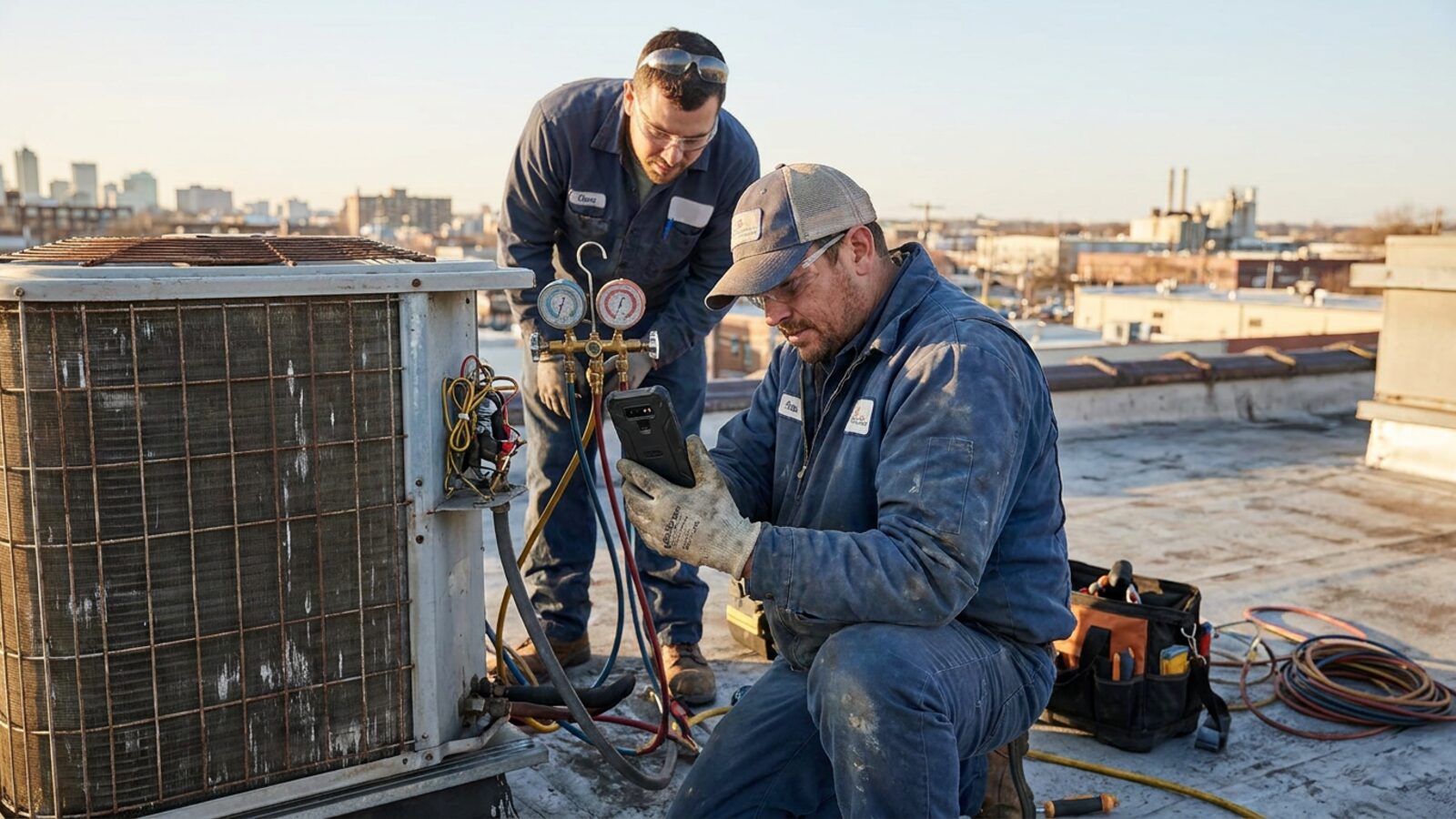
Hiring good technicians is getting harder, not easier. The Bureau of Labor Statistics projects about 72,700 openings for electricians every year through 2035, and every new hire has to learn your way of working fast. The phone in their pocket is where most of that learning now happens.
Contractors have already moved. In the AGC and Sage 2025 contractor survey, 69% of firms said they use mobile software for daily field reports. Owners still lose time in the field anyway: in Jobber’s 2026 survey, jobsite management was the top time drain, named by 48%.
A field technician app is supposed to close that gap. Too often it adds a new one: an app the office loves and the crew avoids. This guide covers what the app should actually do, why crews push back, when an off-the-shelf app is enough and when a custom one pays, and a rollout plan that gets real use.
What a Field Technician App Should Do
Judge every app against a tech’s real day, not a feature list. These are the jobs it has to handle without a call back to the office.
Show today’s jobs, in order
The home screen is the day’s schedule: where, when, for whom, and what the job is. If a tech has to tap three times to find the next address, the app has already lost.
Navigate to the site
One tap from the job to turn-by-turn directions in the map app the tech already uses. Gate codes, parking notes and site contacts belong on the same screen.
Carry the job history
What was done last time, what was quoted and not approved, which unit is installed, what the customer complained about. This is the context that turns a repeat visit into a one-visit fix.
Run the checklist
Your steps, in your order, with required fields that stop a tech skipping the pressure test or the safety check. A paper checklist gets filled in at the truck. A good digital one gets filled in at the unit.
Capture photos
Before and after photos tied to the job record, not sitting in the camera roll. They protect you on warranty disputes and make the invoice easier to approve.
Collect signatures
Customer sign-off on the work and on any change in scope, captured on the device and attached to the job.
Track parts
What was used, from which truck, so inventory and the invoice both update without a second entry at the end of the week.
Work offline
Basements, plant rooms and rural sites have no signal. The app has to let the tech keep working and sync when the connection returns. Salesforce Field Service, for example, lists offline mobile access to work orders as a feature. Test this yourself on every shortlisted app.
Track time
Clock in, clock out, travel and time on site, ideally without the tech remembering to press a button. Time data feeds payroll, job costing and your labor utilization, which Jobber’s research says top teams hold at 80 to 90%.
Why Crews Push Back on New Apps
Adoption is the part owners underestimate. The software rarely fails on features. It fails because the crew stops using it. The common reasons:
- It adds steps. If the app makes a tech enter details the office already has, it reads as paperwork on a phone. Every required field has to earn its place.
- It was chosen without them. An app picked by the office and handed down on a Monday arrives with no allies. One senior tech who trusts it is worth more than a training session.
- It does not match the real job. A generic checklist that skips a step your techs always do teaches them the app is wrong. After that, they work around it.
- It breaks where the work happens. No signal, gloves on, bright sun, a cracked screen. If the app is not tested in those conditions, it will not be used in them.
- It feels like surveillance. GPS and time tracking are useful, but introduced without explanation they read as distrust. Say what the data is for and what it is not for.
- The office still asks by phone. If dispatch keeps calling for updates the app already has, techs learn the app does not matter.
Off-the-Shelf App vs Custom App
Every major field service platform ships a technician app. Jobber, Housecall Pro and ServiceM8 all include one, and Housecall Pro lists GPS tracking and photo reports among its features. Point tools cover narrower jobs: Workyard offers a GPS time clock app, with its Starter tier at $6/user/mo billed annually. Salesforce Field Service covers the enterprise end at $175/user/mo for a Technician seat.
| Factor | Off-the-shelf app | Custom app |
|---|---|---|
| Time to first use | Days | A pilot in about 30 days, then refinement |
| Screens and flow | The vendor’s, shared by every customer | Yours, built around your job types |
| Checklists and forms | Configurable within vendor limits | Exactly your steps, your required fields |
| Connection to the office | Tied to that vendor’s back office | Tied to whatever systems you run |
| Cost pattern | Per plan or per user, rising with headcount | Priced on scope; no per-seat line on the Brixx ladder |
| Ownership | Vendor owns the app and its roadmap | You own the system |
For most small crews, an off-the-shelf app is the right start. It is tested, it updates itself, and the price is published. The case for a custom app gets stronger when your jobs do not look like the template: multi-day installs, inspection-heavy work, regulated sign-offs, or a mix of service and project work that one generic flow cannot hold.
It also gets stronger when the app is only half the problem. If the real issue is that dispatch, invoicing and customer updates live in three disconnected places, a better phone screen will not fix it. A custom field service system covers the office side and the technician app together. Brixx Digital’s published ladder runs from a Foundation Build from $2,500 to a Core Build from $5,000, with a 30-day pilot credited toward the full build.
A Rollout Plan Crews Accept
- Ride along before you buy. Spend a day with two techs and write down every time they call the office, search for information or fill in paper. That list is your requirements document.
- Pick one crew and one job type. Do not launch company-wide. Start with the crew most open to change and the job you do most often.
- Load the real data first. Customers, sites, equipment and checklists should be in the app before anyone opens it. An empty app on day one gets abandoned.
- Run two weeks in parallel. Keep the old method alive as a fallback while the crew builds trust. Fix every complaint within days, and tell them it was fixed.
- Cut the old path. Once the pilot crew prefers the app, stop accepting paper and phone updates for that job type. Two systems running forever means neither gets used properly.
- Expand crew by crew. Let the pilot crew help train the next one. Techs listen to techs.
- Review the numbers at 90 days. Check completed checklists, photo attachment rates, return visits and time from job complete to invoice sent. Those tell you whether the app is used or tolerated.
The Ride-Along Test Before You Choose
Demos are run by salespeople on good Wi-Fi. Your crew works in crawlspaces. So judge the shortlist on the only test that matters: put each app in a tech’s hands on a real job and watch.
Count the taps to start the job, finish the checklist and get a signature. Turn off mobile data halfway through and see what happens. Ask the tech afterward whether they would open it tomorrow without being told. The app that wins that test is the right one, whatever its feature list says. If none of them pass, that is your signal the process needs a system built around it rather than another template.
The AGC and Sage survey found that 56% of contracting firms will use mobile technology to access customer and job information from the field. The firms that get value from it will be the ones whose crews actually open the app.
Frequently Asked Questions (FAQs)
What should a field technician app include?
At minimum: today’s jobs in order, one-tap navigation, job and equipment history, your checklists, photos, signatures, parts used, offline mode and time tracking. If a tech still has to call the office for routine information, the app is missing something.
Do field technician apps work without a signal?
Some do. Salesforce Field Service, for example, lists offline mobile access to work orders. Offline support varies widely, so test every shortlisted app with mobile data switched off before you commit.
How do I get technicians to use a new app?
Involve them in the choice, start with one crew and one job type, load real data before launch, fix complaints fast, and stop accepting the old paper or phone method once the pilot crew is comfortable. Explain what GPS and time data are used for.
Should I build a custom field technician app?
Build custom when your jobs do not fit a vendor template, when the app has to connect to systems the vendor does not support, or when per-user costs keep rising with every hire. For standard trade work, an off-the-shelf app is usually the faster and cheaper start.
How long does a field technician app rollout take?
A careful rollout runs in stages: a pilot crew for a few weeks, then crew-by-crew expansion, with a review at 90 days. A custom build adds a build phase first; the Brixx 30-Day Pilot puts a working version live within 30 days.