
OSHA 300 Log: How to Fill It Out and Keep It Digitally
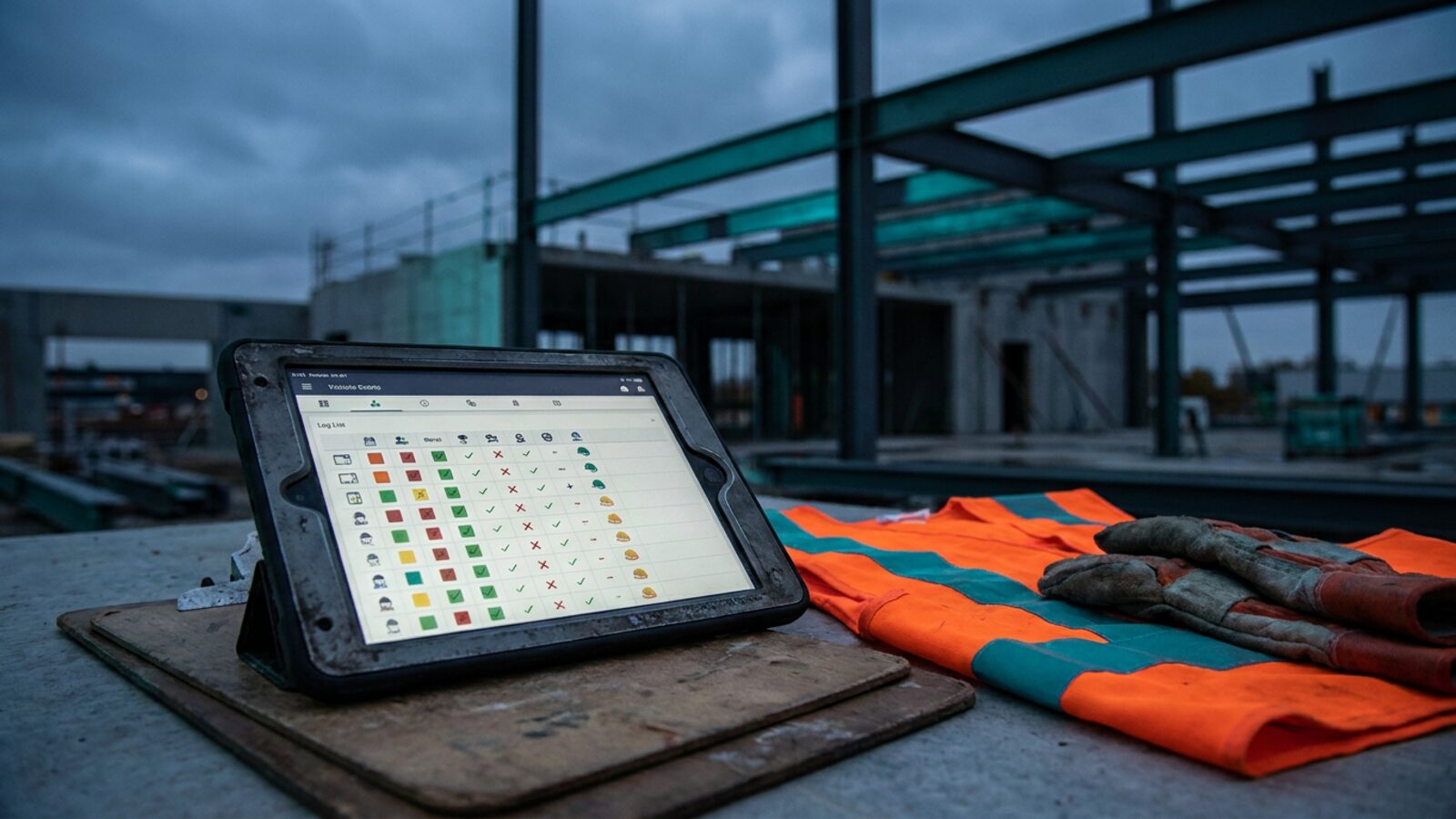
Private industry employers reported about 2.6 million nonfatal workplace injuries and illnesses in 2023, according to the U.S. Bureau of Labor Statistics. OSHA’s maximum penalty for a serious or other-than-serious violation runs above $16,000 per violation, and recordkeeping citations draw from the same schedule. Automated capture is what keeps the log defensible when an inspector asks for the binder.
Paper forms and scattered spreadsheets lose details fast. Witness names go missing, dates get guessed, and the annual summary turns into a week of retyping.
Here is how the common approaches stack up.
| Approach | Field capture | Form handling | Deadline tracking | Five-year archive |
|---|---|---|---|---|
| Brixx Digital automation portal | Technician logs the incident on a phone at the site, offline or online | One entry fills the 300, 301, and 300A | Alerts for the 7-day, February 1, and March 2 dates | Searchable and exportable |
| Paper binder | Form filled out later at the office | Retyped three times | Wall calendar | Filing cabinet |
| Spreadsheet | Manual entry by the safety manager | Copy and paste between tabs | Manual reminders | Shared drive, version risk |
| Off-the-shelf EHS SaaS app | Mobile forms | Fills the federal forms | Built-in alerts | Vendor cloud, export limits |
Why Manual Incident Tracking Breaks Down
- Field reporting is disconnected. Technicians rarely carry the right form to a job site. By the time a supervisor hands over paper back at the office, the scene details and witness accounts are gone.
- Connectivity dies where the work happens. Mechanical rooms, basements, and rural sites have no signal. A web form that needs a live connection fails at the moment the detail is freshest, so capture has to work offline and sync when the phone reconnects.
- The same data gets typed three times. One incident feeds the 301 report, the 300 log, and the year-end summary. Every retype burns time and adds a chance to fumble a date or a day count.
- Safety managers become data-entry clerks. Hours that belong on site walks and toolbox talks go to transcription instead. That labor cost never lands on an invoice, so nobody manages it.
- Incident data sits in its own silo. When the log lives apart from jobs, crews, and schedules, nobody sees that the same task injured three people, or that an injury just pulled a crew off a deadline. Trend and repeat-hazard analysis needs that data in one place.
- Deadlines slip. Recording, posting, and electronic submission each have a fixed window. Calendar reminders and folders are a weak system for dates that carry per-violation penalties.
The Four Deadlines That Matter
| Requirement | Deadline | Form or system |
|---|---|---|
| Record the case | Within 7 calendar days of learning about it | OSHA 300 log plus the 301 report |
| Post the annual summary | February 1 through April 30 | OSHA 300A |
| Submit data electronically | By March 2 each year | Injury Tracking Application |
| Retain records | 5 years after the covered calendar year | 300, 300A, and 301 forms |
Phase 1: Decide What Is Recordable Under 29 CFR 1904
Check Whether Your Business Is Covered
Employers with 10 or fewer employees at all times during the calendar year get a partial exemption. Those businesses skip the logs unless OSHA or the BLS requests data in writing. Some low-hazard retail and service industries are partially exempt as well.
Construction is not on that list. Contractors in the construction industry keep full records, no matter the headcount.
Test the Incident Against the Federal Criteria
A case goes on the log when it is work related, it is a new case, and it meets one of the recording criteria. Those criteria are death, days away from work, restricted work or job transfer, medical treatment beyond first aid, loss of consciousness, or a significant injury or illness diagnosed by a physician or other licensed health care professional.
Separate First Aid From Medical Treatment
First aid alone does not make a case recordable. It covers non-prescription medication at non-prescription strength, tetanus immunizations, cleaning surface wounds, bandages, hot and cold therapy, and removing splinters.
Medical treatment does make it recordable. That means prescription drugs, sutures, physical therapy, rigid splints, or similar care. Get this line right and you stop over-reporting.
Phase 2: Fill In the OSHA 300 Log Columns
Enter the Case and Employee Details
Assign a case number, then record the employee name, job title, date of injury or onset, and where the event happened. Auditors check location detail first, so name the site, not the region.
Classify the Outcome
Columns G through J capture the outcome. Check one box only, and pick the most serious result for the case: death, days away from work, job transfer or restriction, or other recordable case. Light duty counts as restriction.
Count Days and Name the Injury
Columns K and L need exact day counts for time away from work and time on restriction. The count caps at 180 days for each category.
Column M sorts the case into one of six types: injury, skin disorder, respiratory condition, poisoning, hearing loss, or all other illnesses.
Phase 3: Build the 301 Incident Report
Write a Specific Narrative
The 301 report needs a written account of each case. State what the employee was doing before the incident, how the injury happened, the body part affected, and the object or substance that caused the harm.
Write “worker slipped on a wet stair tread carrying a 40-pound condenser coil” instead of “worker fell.” Specifics answer the inspector’s next three questions.
Hit the Seven-Day Deadline
You have seven calendar days from learning about a recordable case to complete the 301 or an equivalent form. Automated EHS workflows map the overlapping fields straight from the field report, so the second form becomes a review instead of a retype.
Phase 4: Post the 300A Summary and Keep the Records
Add Up Your Annual Totals
At year-end, total each column from the log onto the 300A. You also report the annual average number of employees and the total hours worked.
Include part-time, seasonal, and temporary workers. Exclude vacation, sick leave, and holidays from the hours.
Certify, Post, and Store
A company executive signs the summary to certify it is accurate and complete. Post the certified copy where employees can see it from February 1 through April 30.
Then hold the log, the summary, and every 301 report for five years after the end of the calendar year they cover.
Phase 5: Submit Electronically Through the ITA
Check Your Establishment Thresholds
Establishments with 250 or more employees submit 300A data. Establishments with 100 or more employees in designated high-hazard industries submit data from the 300, 301, and 300A. Establishments with 20 to 249 employees in listed industries submit 300A data.
Upload the Data
Transmit the required data through the Injury Tracking Application by March 2 each year. Typing it into the portal line by line invites errors. The ITA accepts a formatted CSV upload or a direct API transmission, so a system that already holds every case field sends the whole year in minutes.
Move Safety Records Into Your Job and Crew System
Safety data belongs next to your jobs, crews, and schedules. When a technician reports an incident on a phone, the entry timestamps itself, attaches photos, and populates the 301 and the log without an office handoff. Offline capture holds the record until the device finds signal again.
That one change removes the transcription step and the guesswork about dates. Purpose-built compliance and records systems turn hours of retyping into a single approval click, and they put every case in the same database as the work that produced it, so repeat hazards surface while you can still fix them.
At year-end the system totals your columns, calculates hours worked, and formats the file for electronic submission. Your five-year archive becomes a search box instead of a cabinet.
Paper, Spreadsheet, or Portal: Make the Call Before the Next Incident
Choose paper only if you run one site, employ few people, and qualify for the partial exemption. Choose a spreadsheet if you log one recordable case a year and one manager owns the dates. Choose a portal when crews work across multiple sites, when you cross an ITA threshold, or when someone is retyping the same incident into three forms.
The deciding factor is field capture. Details written down at the job site make everything downstream accurate. Details reconstructed at a desk on Friday make everything downstream a guess. Pick the option that matches how your crews actually work, then set it up before the next recordable case tests it.
Disclaimer: This article offers general information about federal recordkeeping and is not legal advice.
Brixx Digital builds custom operational portals that handle safety documentation and federal reporting from the field to the back office. Book a Blueprint strategy sprint and we will map your compliance workflow before a line of code gets written.
Most contractors keep the log in a spreadsheet because nothing else in their stack asks for it. We build the incident capture into the crew app for construction and trade companies, and the 300, 300A and 301 records fall out of it automatically as part of our compliance and records systems.
Frequently Asked Questions (FAQs)
What is the difference between the OSHA 300 log and the 300A summary?
The 300 log records each injury and illness line by line as cases happen during the year. The 300A rolls those lines into annual totals, and you post it for employees from February 1 through April 30.
How long must I keep safety incident records on file?
Five years. Keep the 300 log, the certified 300A, and every 301 report for five years following the end of the calendar year the records cover.
What happens if I miss the seven-day deadline to record an incident?
Late recording is a recordkeeping violation. Inspectors cite it during an inspection, and OSHA assesses penalties per violation. Current penalty amounts are published on OSHA’s penalties page and adjust each year.
What are the OSHA requirements for electronic recordkeeping and cloud storage?
You can keep the 300, 300A, and 301 on a computer or in cloud-based EHS software, as long as the system produces equivalent printed copies when an inspector, an employee, or a former employee asks for them. Keep the records accessible for the full five years, and keep an edit trail so a corrected entry can be explained.
How can API integrations streamline the OSHA 300 ITA submission?
The Injury Tracking Application takes a formatted CSV upload or a direct API transmission. When your portal already stores every required case field, the March 2 submission becomes an export and a confirmation instead of manual keying, which removes the transcription errors that trigger a data-quality follow-up.